Welcome Guest

Pages: 1
A strange error that I can
SnowdogPostApril 10, 2026, 10:07
Pro
Posts: 377
Registered:
March 15, 2022, 17:12
Normal topicA strange error that I can

Hi. I'm using a rename template that I use all the time. I made it from "tokens" I think. I have no idea how I did that but it works & always has done.

So I'm tagging all my Vangelis albums & I essentially use this template to combine the track titles & track/disc numbers to rename the files in a folder.

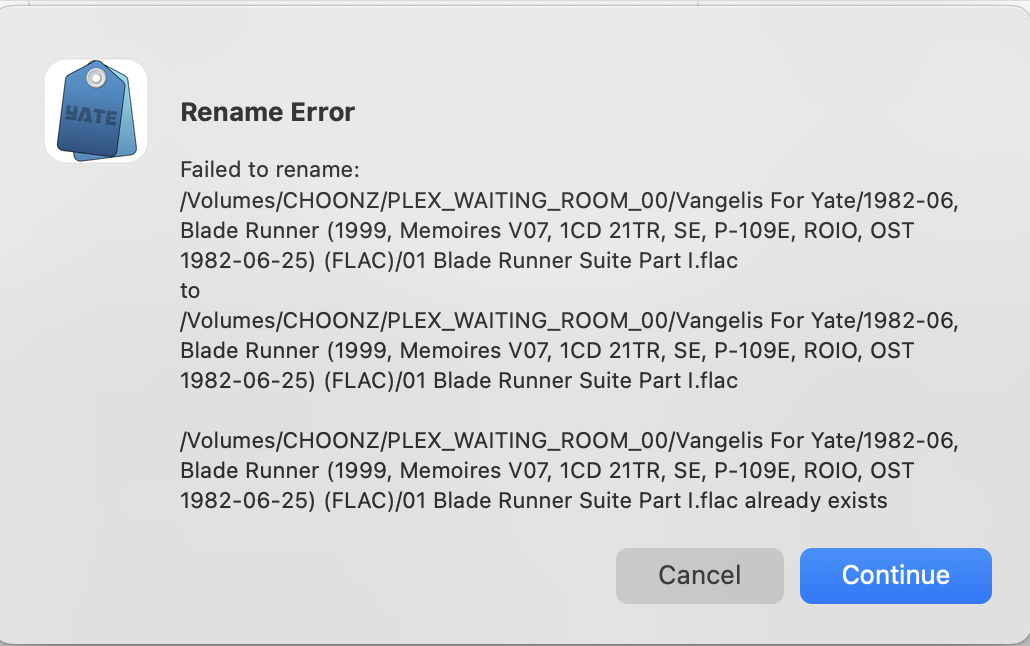
Suddenly, on this one album, I'm getting the following error & I don't understand what it means:

Image

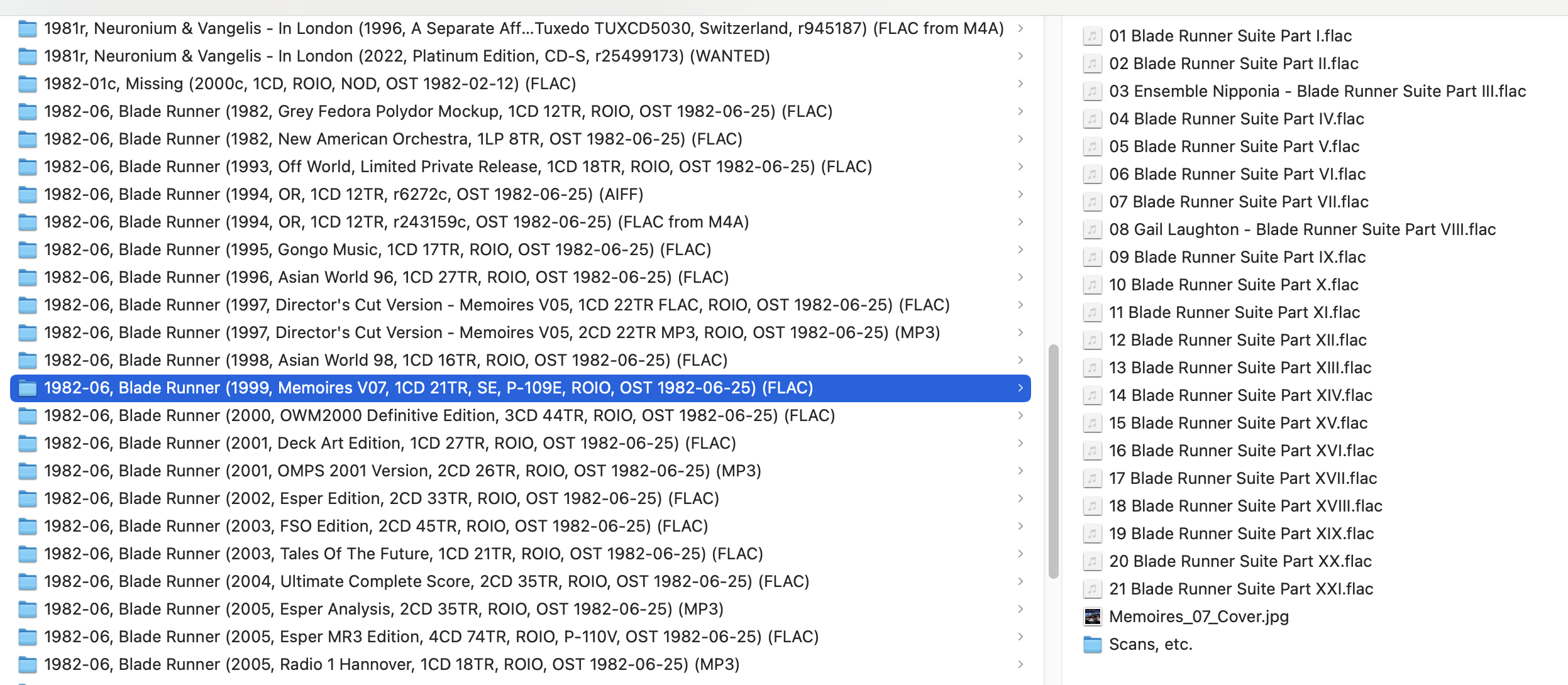
Here's a shot of the files in the folder:

Image

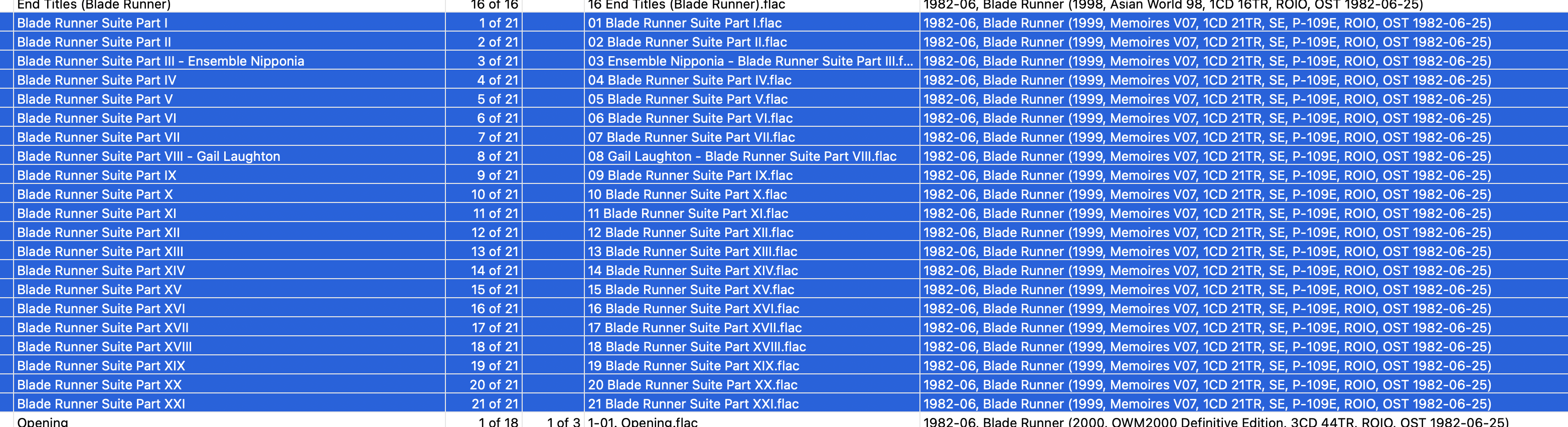
And here's a shot of what I'm seeing in Yate:

Image

What am I doing wrong?

2MR2PostApril 10, 2026, 10:17
Avatar photo
Administrator
Posts: 2435
Registered:
August 23, 2012, 19:27
Normal topicA strange error that I can

Hmm ... a little strange. All three listed paths seem the same.

If you do not already have the Dump Metadata action do a Yate>Resource Action Installer. Search for Dump Metadata. Check the checkbox on the selected line. Hit the Install Checked Actions button. This will install the action.

Load up and select the files in your screenshot and run the action. It will produce a zip file.

Go to Settings-Rename-Templates. Select your rename template; hit the export button (=>). Save the file as a zip.

Email the two produced zip files to support@2manyrobots.com and I'll have a look.

Also, what kind of drive is the volume. External disk, NAS, etc.

SnowdogPostApril 11, 2026, 12:01
Pro
Posts: 377
Registered:
March 15, 2022, 17:12
Normal topicA strange error that I can

email sent. 🙂

Pages: 1
Mingle Forum by Cartpauj | Version: 1.1.0beta | Page loaded in: 0.015 seconds.